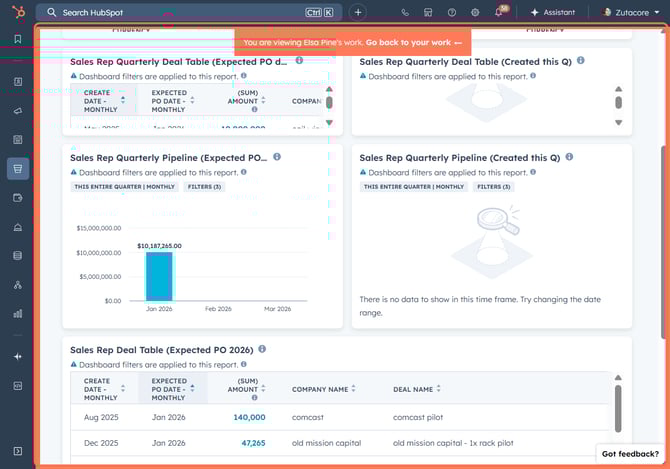
1. Navigate to Your Chosen Deal
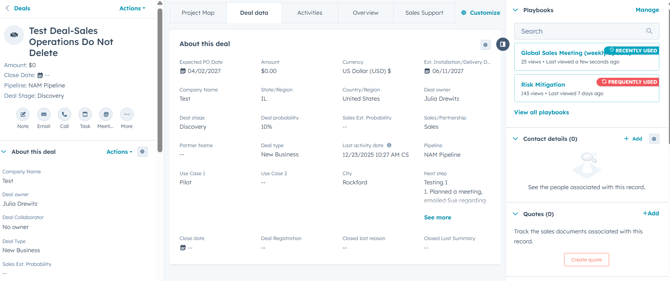
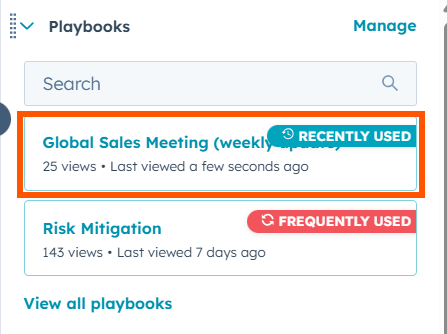
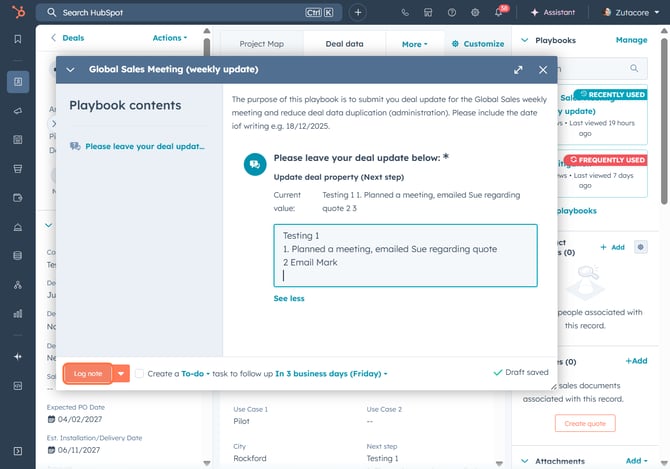
2. Updating Next Steps through Playbooks: On the right of your deal page, launch Playbooks and select the Global Sales Weekly Update Playbook
3. Enter Relevant Meeting Note Updates: Once the Global Playbook is launched, enter your relevant notes that you'd like to present during the Global Sales Meeting.
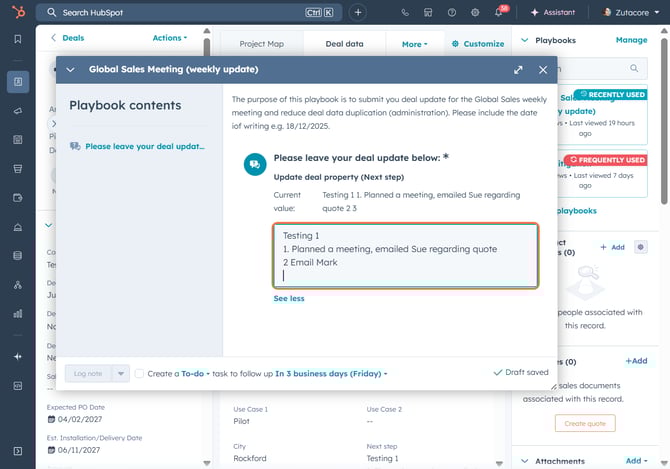
4. Click on Log note
5. Sales Workspace
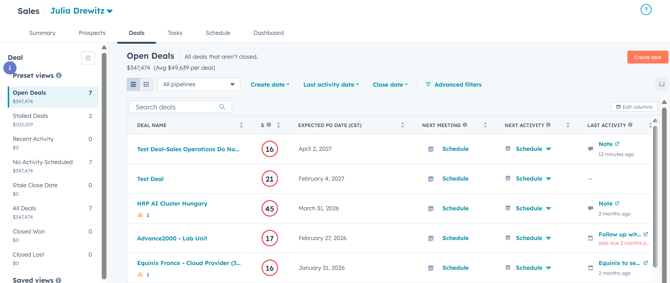
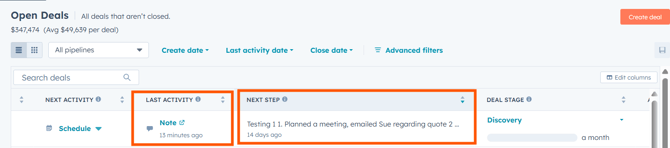
6. Deal Updates: You'll find your logged Playbook Updates under Last Activity and Next Steps to present in the Global Sales Meeting
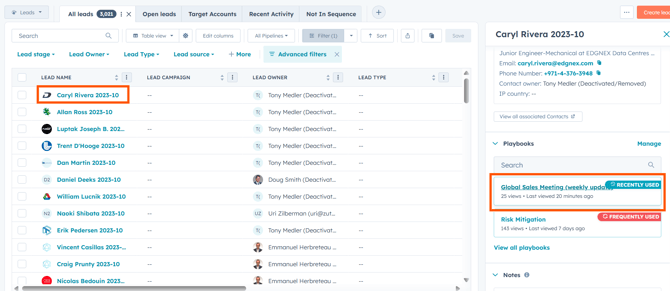
7. Lead Updates: Open your leads and select the ones you need. Under the Playbooks menu on the right, click Global Sales Meeting, then enter your notes by repeating the selection process.
8. Click on Dashboard
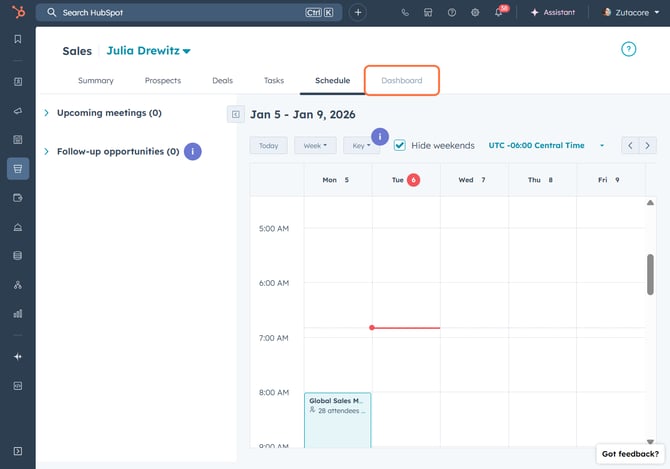
9. Dashboard Presentation: If you'd like to present reports on your dashboard, your sales workspace has several reports to choose from